Produce & Test Run
Full end-to-end testing in the real host. View Reference →
Run DLL Function… (in the Protect tab’s Advanced group) opens the Test Run Function or Sub dialog: your rapid prototyping and debugging cockpit. It executes any function or subroutine from your compiled bytecode in a sterile environment, so you can verify your logic is flawless before you ever touch a spreadsheet or document.
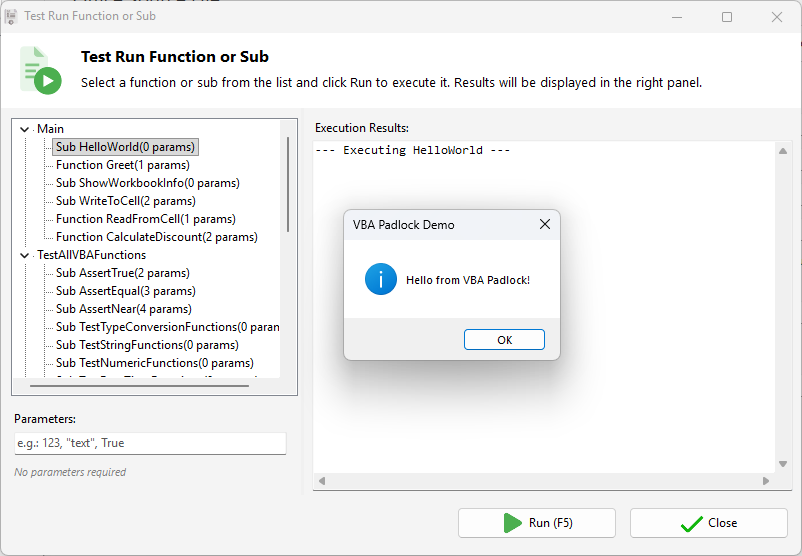
Testing here is significantly faster than testing in Office because it bypasses the application overhead.
Pass multiple arguments to your routines using a simple comma-separated format:
| Data Type | Input Example | Notes |
|---|---|---|
| Numeric | 42, 3.1415 | Supports integers and floating points. |
| String | "VBA Padlock" | Wrap text in double quotes. |
| Boolean | True, False | Case-insensitive logical values. |
| Mixed | 101, "Admin", True | Separate multiple arguments with commas. |
Produce & Test Run
Full end-to-end testing in the real host. View Reference →
Code Editor
Refine your logic. View Reference →
Script Functions
Check return type requirements. View Reference →