VBA Code Compilation
Compile VBA code into native 32-bit and 64-bit DLLs, with the original source removed from the Office file.
Overview
Compile your VBA macros into native 32-bit and 64-bit DLLs. Your source code is transformed into compiled bytecode that cannot be decompiled back to the original VBA, protecting your intellectual property from reverse engineering.
Key Benefits
- Automatic analysis of your existing Office file, procedure by procedure
- Generates both 32-bit and 64-bit DLLs automatically
- Source code is replaced by compiled bytecode in the DLL, leaving no VBA to decompile
- Wrappers and VBA bridge generated and injected for you
- Supports classes, Property accessors, Enum, Type, and 80+ built-in functions
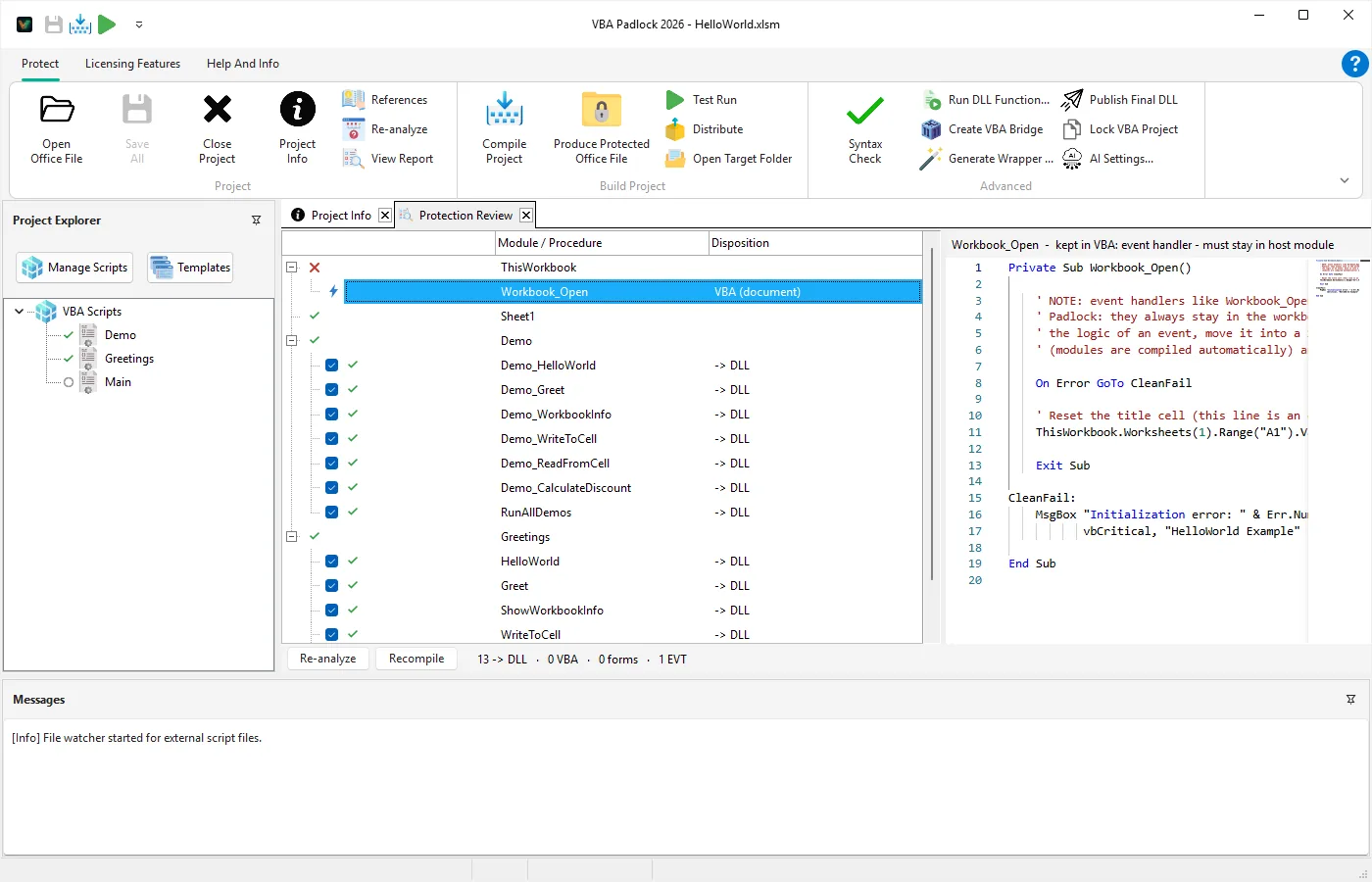
How VBA Compilation Works
Open your Office file, review the analysis, produce a protected copy. The pipeline removes readable VBA while buttons, events, and worksheet formulas keep working unchanged.
Extract and analyze your macros
VBA Padlock opens your existing Office file and extracts and analyzes its modules per procedure (.bas and .cls), checking syntax compatibility and references. The Protection Review shows what moves into the DLL and what stays in the document.
Generate protected bytecode
Readable VBA code is transformed into encrypted bytecode executed by the VBA Padlock runtime, not by the native VBA editor.
Build architecture-specific runtimes
The build creates both 32-bit and 64-bit runtime DLLs, so your project works transparently across Office installations.
Produce the protected copy
Clicking Produce generates delegating wrappers (same names, same signatures) plus the VBA bridge and injects them into a protected copy saved as <name>_protected.<ext>. Your source file is never modified.
Output You Can Distribute Immediately
After Produce, the protected copy ships with a companion bin/ folder that contains both runtimes and the compiled satellite DLL.
Your original file stays untouched.
MyProject/
├── MyProject_protected.xlsm
└── bin/
    ├── MyProjectrun32.dll
    ├── MyProjectrun64.dll
    └── MyProject.dll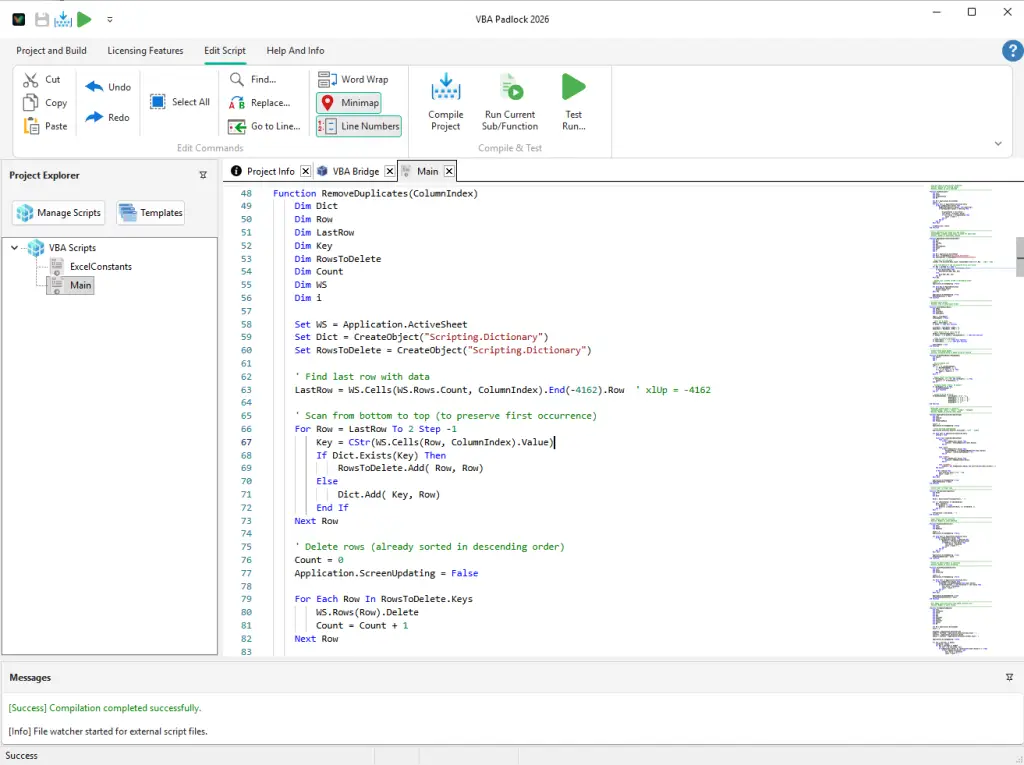
Calling Protected Functions from Office VBA
Your business logic leaves the document entirely: the readable source is removed and the procedures run as compiled bytecode inside the DLL. Produce generates delegating wrappers with the same names and signatures, so forms, buttons, events, and worksheet formulas call them exactly as before.
' Generated wrapper - same name, same parameters
Public Function CalculateTax(income As Double) As Variant
    CalculateTax = VBAPL_Execute("CalculateTax", income)
End Function
The bridge automatically selects the right runtime (32-bit or 64-bit), so you avoid architecture-specific VBA declarations.
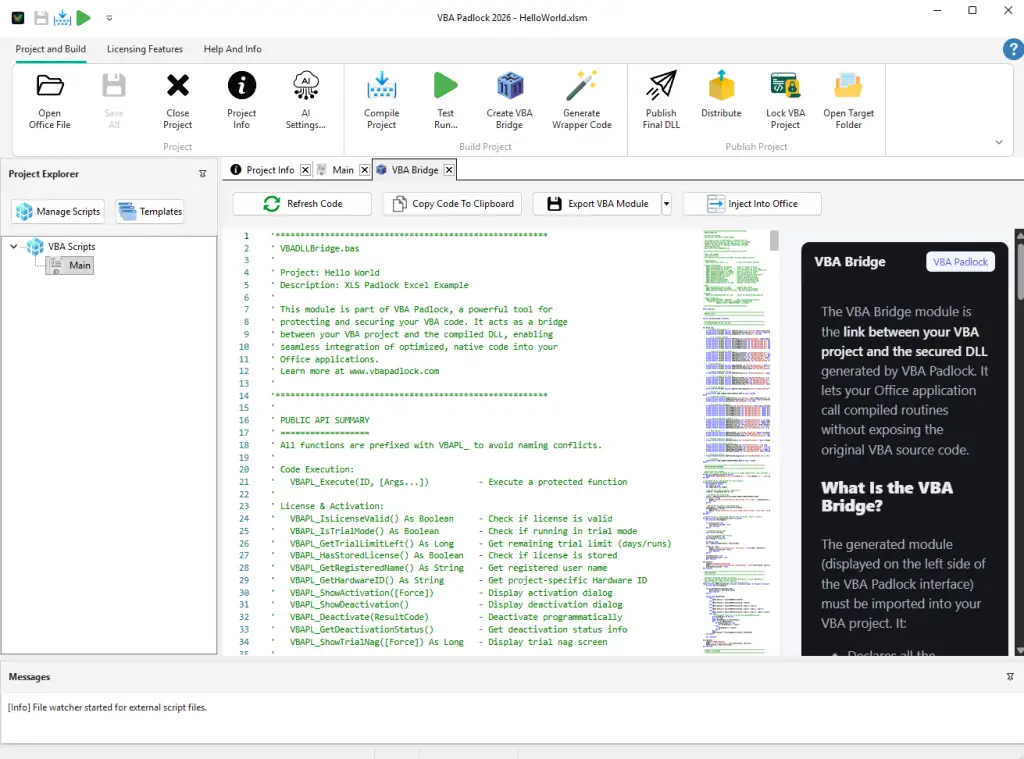
What You Gain with Compilation
Full Office Object Model access from compiled code (Excel, Word, Access, PowerPoint)
Class modules (.cls), Collection, Property Get/Let/Set, Implements, Enum, Type, conditional compilation, Declare PtrSafe, and 80+ built-in functions
Support for Sub/Function calls with parameters and return values through VBAPL_Execute
Authenticode-signed runtime DLLs, so Windows names the publisher
Tamper resistance via runtime + satellite integrity checks
Ready-to-ship distribution format with the required `bin/` structure
Feature documentation
Deep dive into architecture and security model.
Excel tutorial
End-to-end workflow from workbook to distribution.
Compile Project UI
Understand parser, diagnostics, and F5 cycle.
VBA to DLL overview
Broader explanation for prospects and evaluations.
What Is a VBA Compiler?
Why you need a VBA compiler and how it works.
Ready to Monetize Your VBA Projects?
Download VBA Padlock and start selling protected Office solutions. One-time purchase, no royalties, no subscription.