Screenshots

Browse the VBA Padlock Studio interface, licensing dialogs, and protected application output. Click any image to enlarge.

VBA Padlock Studio

The main development environment — ribbon interface, Project Explorer, and workspace panels.
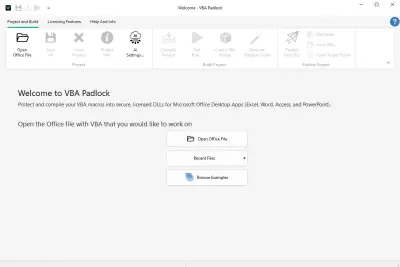
Welcome Screen — quick access to recent projects and new project creation
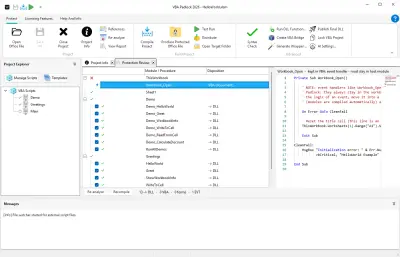
Main window — ribbon, Project Explorer, Code Editor, and Message Log
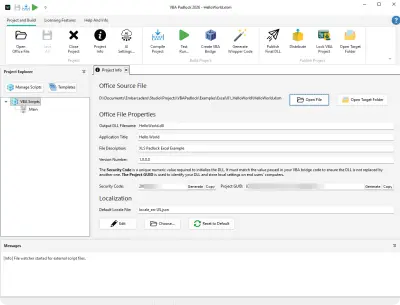
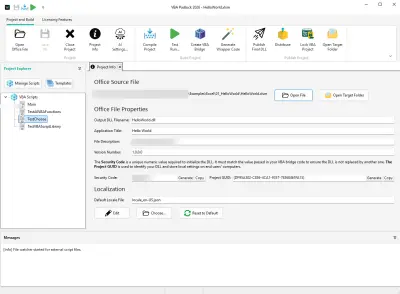
Project Info panel — DLL name, target Office app, and project metadata
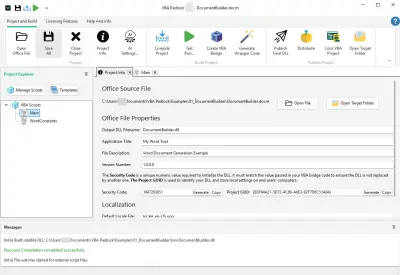
Project Info configured for a Word document
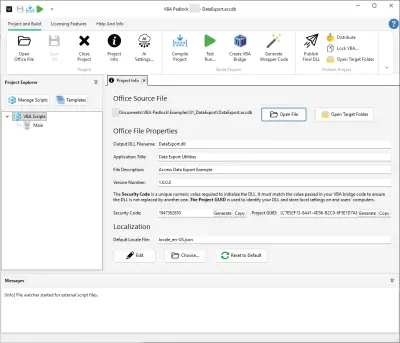
Project Info configured for an Access database
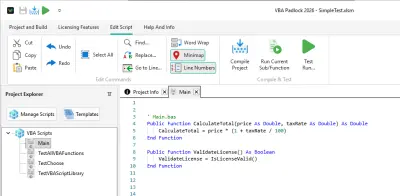
Project & Build ribbon tab — the primary workflow toolbar

Code Editor

Write protected VBA logic with syntax highlighting, IntelliSense, script templates, and multi-module support.

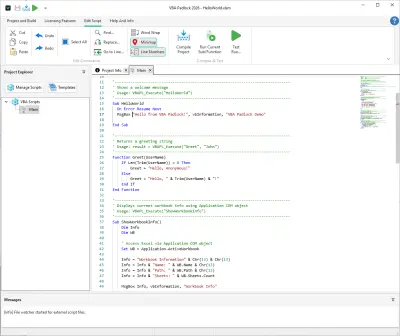
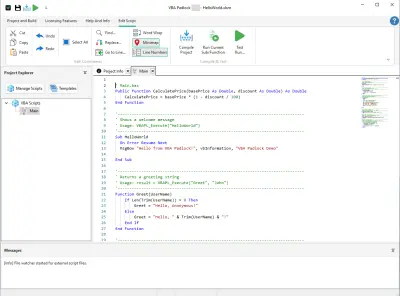
Code Editor overview with syntax highlighting
VBA syntax highlighting — keywords, strings, and comments are color-coded
VBA code example in the editor
Function list and IntelliSense auto-complete
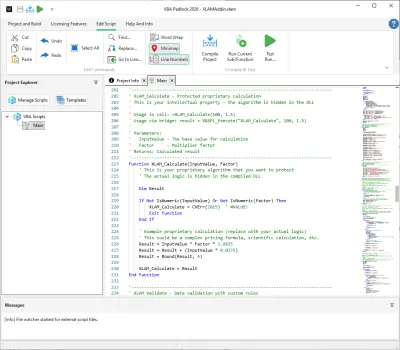
Excel-specific VBA code with cell references
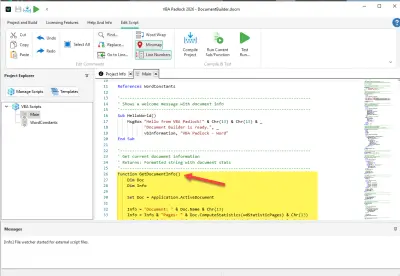
Word-specific VBA code example
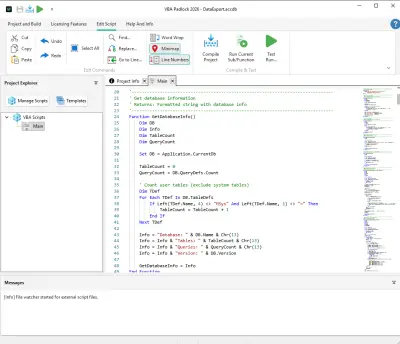
Access-specific VBA code example
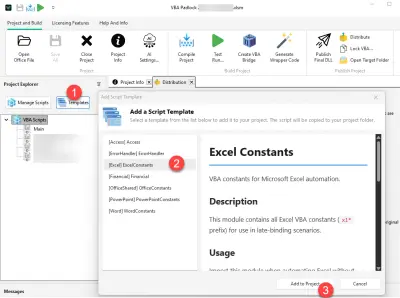
Script Templates — insert ready-to-use code snippets
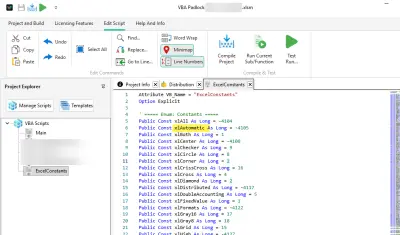
Word constants reference panel
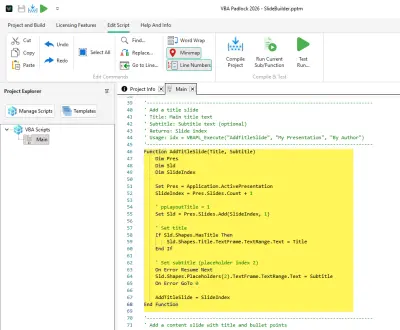
PowerPoint script in the Code Editor

Compilation & Testing

Compile your VBA code into a secure DLL and test functions without opening Office.
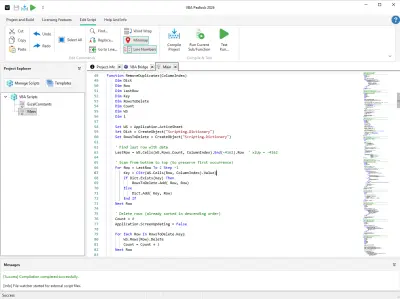
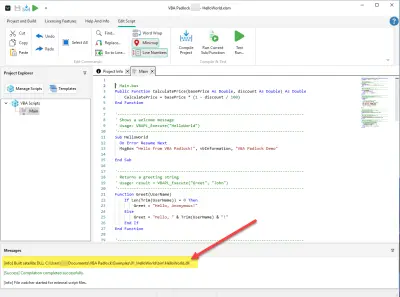
Successful compilation — green status in the Message Log
Compiled output files ready for distribution
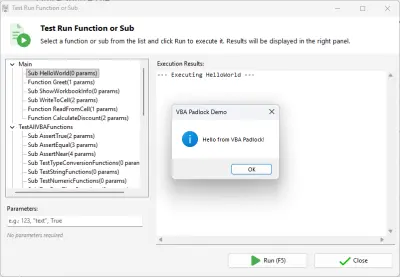
Test Runner — execute compiled functions with parameter entry and result display
Test certificate generation
Valid test certificate confirmation

Licensing Configuration

Set up activation keys, hardware locking, trial periods, and EULA — all from within the IDE.

Licensing panel overview — all licensing options at a glance
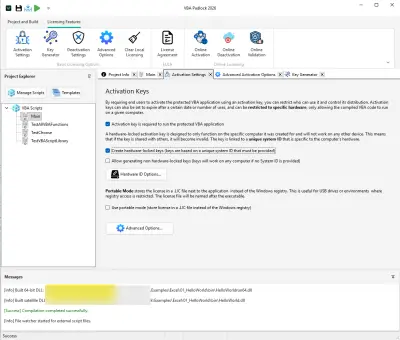
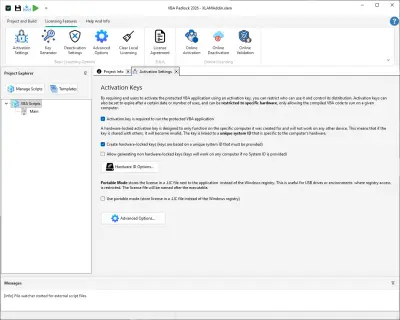
Activation Settings — configure key format and validation rules
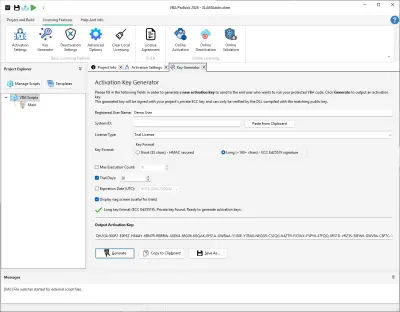
Key Generator — create license keys for your customers
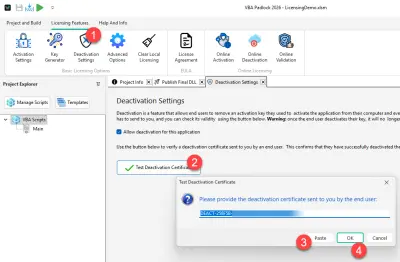
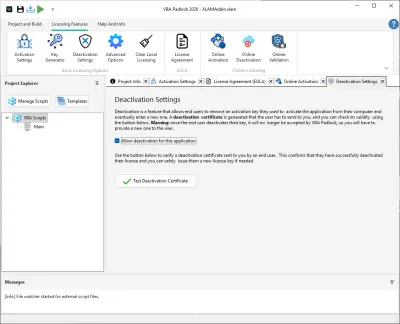
Deactivation Settings — allow users to transfer licenses
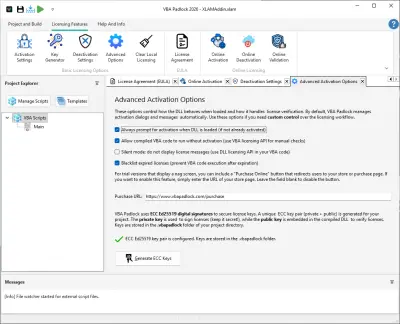
Advanced Activation Options — fine-tune activation behavior
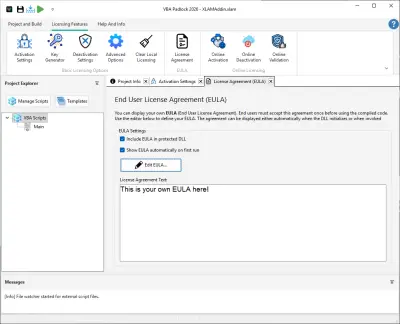
EULA configuration — embed a license agreement
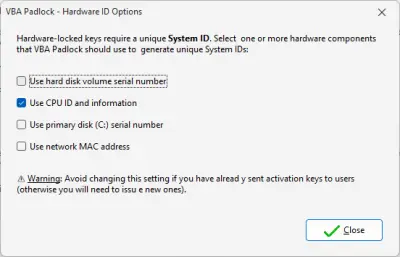
Hardware ID Options — select hardware components for locking

Online Licensing

Online activation, deactivation, and license validation via your own server.
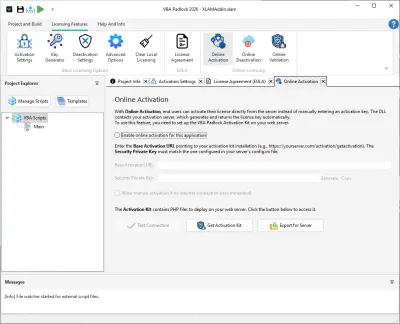
Online Activation settings — connect to your activation server
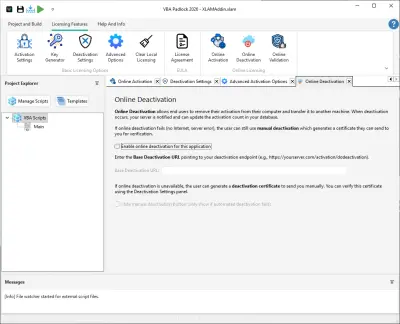
Online Deactivation settings
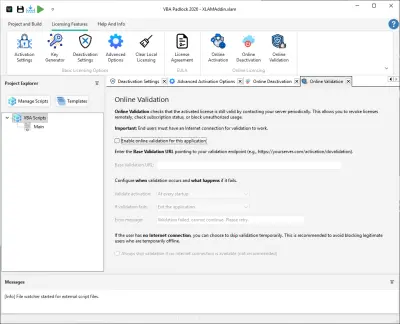
Online Validation settings — verify licenses at runtime
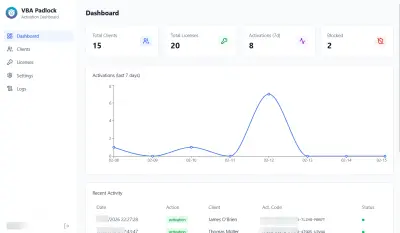
PHP Activation Kit — server dashboard with license overview
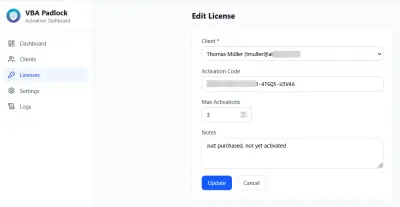
PHP Activation Kit — edit license details

Publishing & Distribution

Build signed DLLs, generate the VBA Bridge, and package your application for shipping.

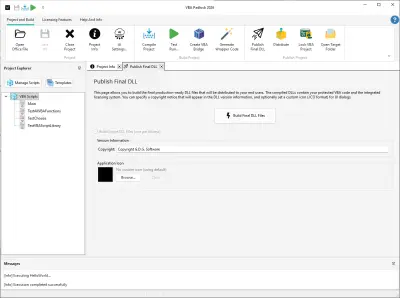
Publish DLL — build the final signed DLL files
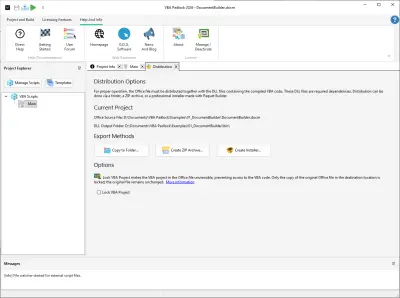
Distribution — create a ZIP archive or copy files for shipping
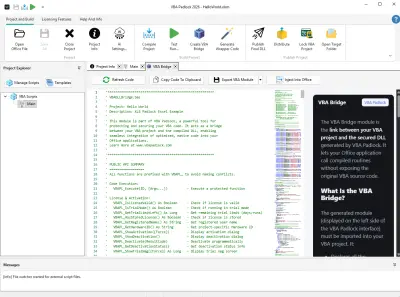
VBA Bridge — auto-generated module that connects Office VBA to the DLL
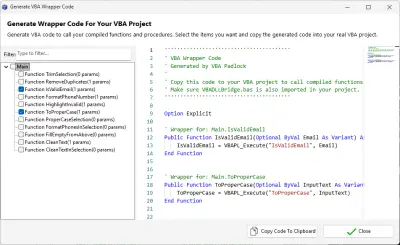
Wrapper Code Generator — generate VBA caller code automatically
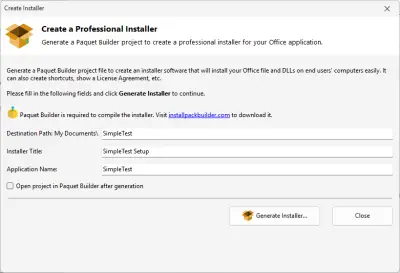
Create Installer — build a setup package for end users
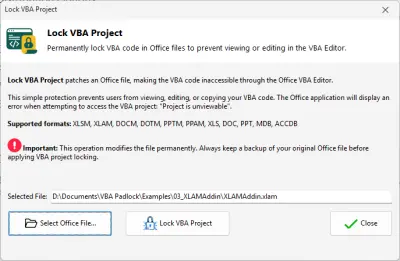
Lock VBA Project — password-protect the VBA project in the Office file

End-User Experience

What your customers see — activation dialogs, trial screens, EULA, and deactivation.
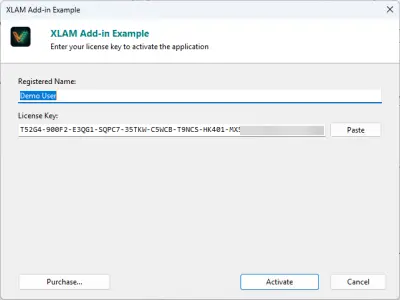
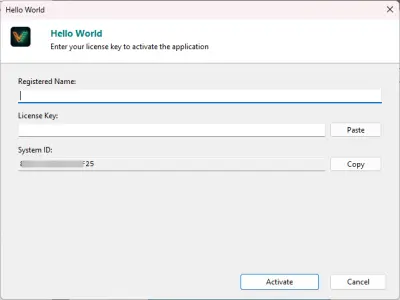
Activation dialog — end users enter their license key here
Hardware ID dialog — users copy this ID to request a key
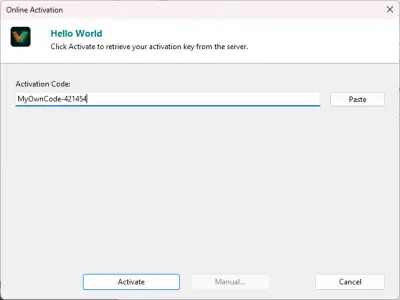
Online activation — automatic key validation via the internet
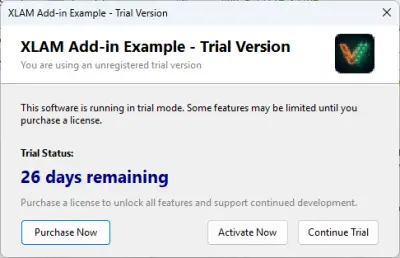
Trial mode nag screen — shown when the trial period is active
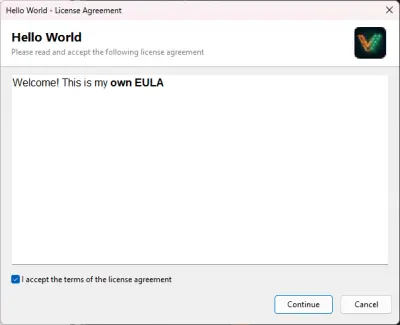
EULA display — license agreement shown before activation
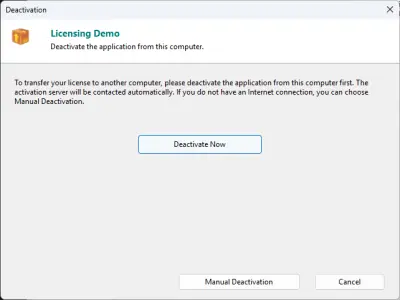
Online deactivation — release a license to transfer it
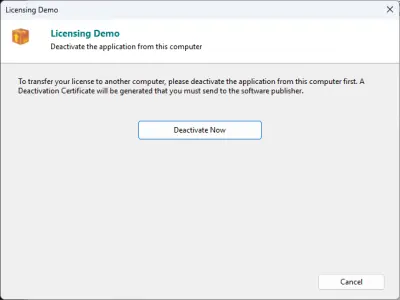
Manual deactivation — offline license transfer
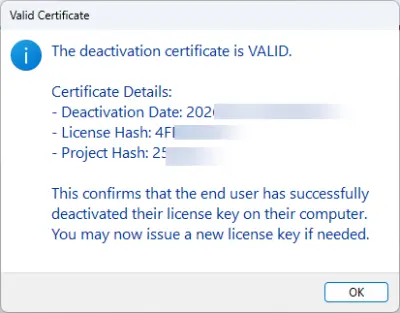
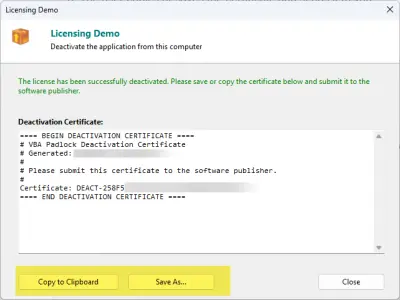
Deactivation certificate — proof that the license was released

Protected Applications in Action

Real output from protected Office applications — Excel, Word, Access, and PowerPoint.
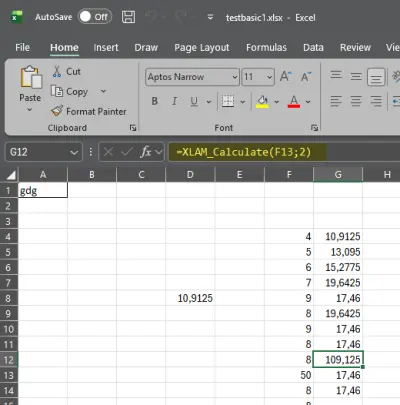
Excel — custom worksheet function powered by compiled code
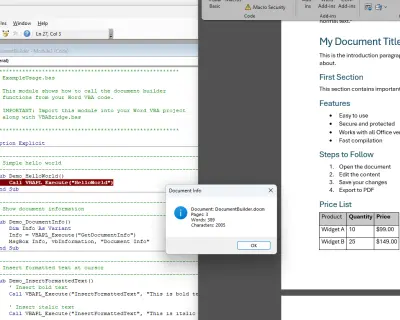
Word — document generated by a protected VBA macro
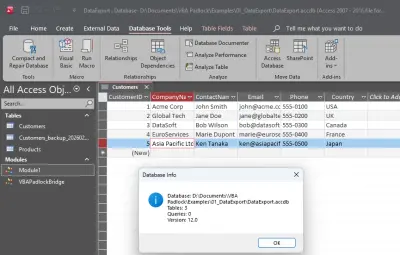
Access — data export driven by compiled VBA
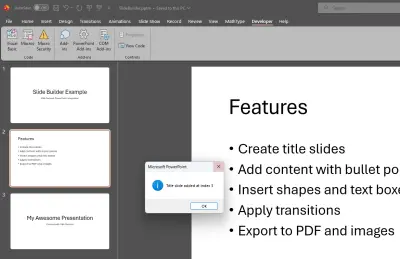
PowerPoint — slides built by a protected add-in

Ready to Secure Your VBA Code?

Download VBA Padlock and start compiling, protecting, and licensing your VBA macros today.