Troubleshooting
Fix the most common issues quickly. Open Troubleshooting →
Find quick answers to the most common questions about VBA Padlock: compatibility, compilation, licensing, distribution, and security.
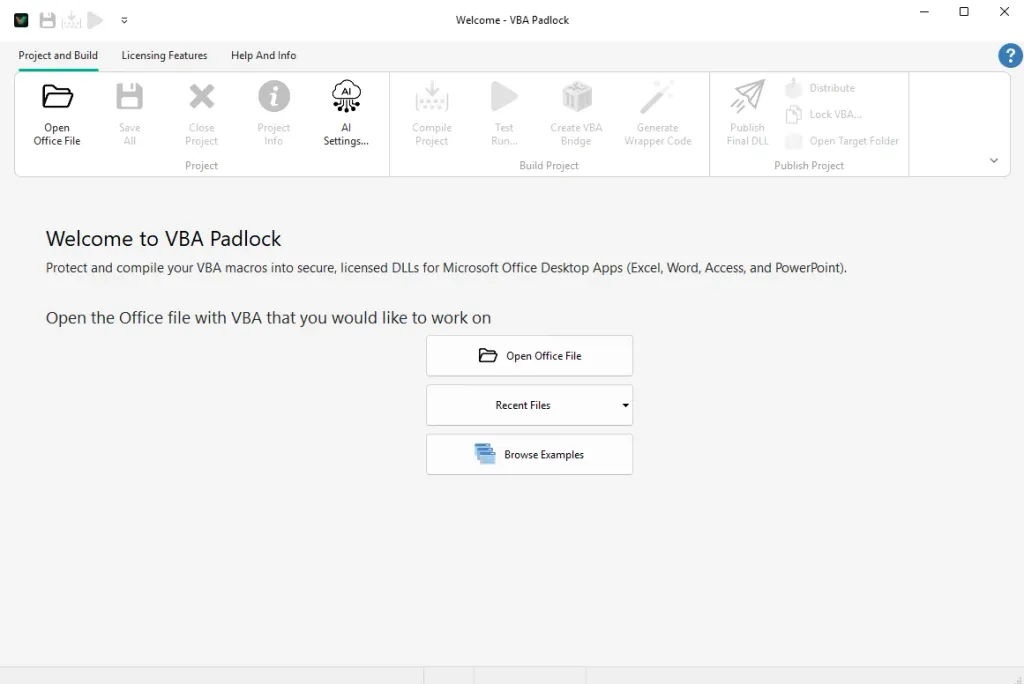
VBA Padlock is a development tool that compiles your VBA source code into protected DLLs. You open your existing Office file, VBA Padlock analyzes its macros automatically, and Produce writes a protected copy where your procedures still work, but their logic runs from an encrypted DLL instead of readable VBA. See the Automatic Protection Workflow.
No. The automatic workflow extracts the VBA you already have, decides procedure by procedure what can move to the DLL, and generates the delegating wrappers itself. Buttons, events, and worksheet formulas keep working unchanged.
VBA Padlock supports:
.xlsm, .xlsb, .xlam.docm, .dotm.accdb.pptm, .ppamThe free evaluation version includes all features of VBA Padlock but adds a notification screen when your protected VBA code runs.
Important: DLLs compiled with the evaluation version automatically expire after a few days. These DLLs are intended only for local testing and evaluation on your machine; they are not permitted for distribution. To create permanent, distributable DLLs, you must purchase a license.
No. VBA Padlock is a native Windows application with no external runtime dependencies. The compiled DLLs also do not require .NET.
Yes. VBA Padlock produces two runtime DLLs (32-bit and 64-bit). The VBA Bridge automatically loads the correct one based on the Office architecture. No configuration is needed.
Native Office ARM is not supported for now. However, on Windows ARM devices (e.g., Surface Pro 11, Surface Laptop 7, or Snapdragon X Elite models), we recommend installing Office 64-bit. It runs via Microsoft’s Prism emulation layer, which allows VBA Padlock’s x64 DLLs to function perfectly.
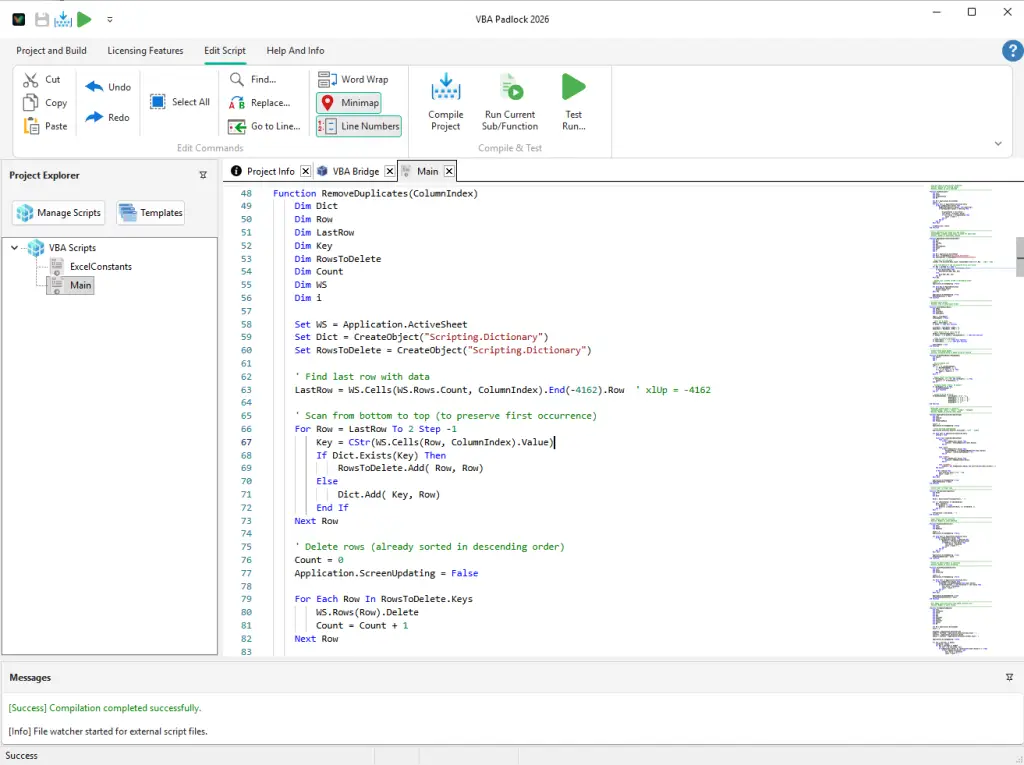
VBA Padlock compiles standard modules (.bas) and class modules (.cls), including Property accessors, Implements, Collection, Enum, Type, conditional compilation, and more. Compiled code has access to 80+ built-in functions for license checks, date/time calculations, and more. See VBA Compatibility for the full list.
The Protection Review tells you on each row: event handlers, UserForm and document-module code always stay in the host (Office fires events only there), and procedures sharing module-level state or depending on kept code are demoted safely. It’s behavior, not an error: the kept procedures still work as plain VBA.
It re-reads the VBA modules from your Office file (read-only, macros disabled), reruns the per-procedure analysis, and refreshes the verdicts. Modules you’ve locked (Lock from Re-analyze) are never overwritten silently.
No. The VBAPLBridge module ships inside your workbook from the start, and every Produce run refreshes it along with the wrappers. The manual Create VBA Bridge dialog exists only for advanced scenarios.
Yes. Compiled scripts have full access to the host Office application through the Application object. You can read and write cell values, manipulate documents, create slides, query databases, and use CreateObject() for COM objects, just like regular VBA. See VBA Compatibility for details and examples.
VBAPL_Execute supports any number of parameters; there is no limit. Internally, calls with 0 to 4 arguments use optimized DLL exports, and calls with 5 or more arguments are automatically packed into an array. This is handled transparently by the VBA Bridge.
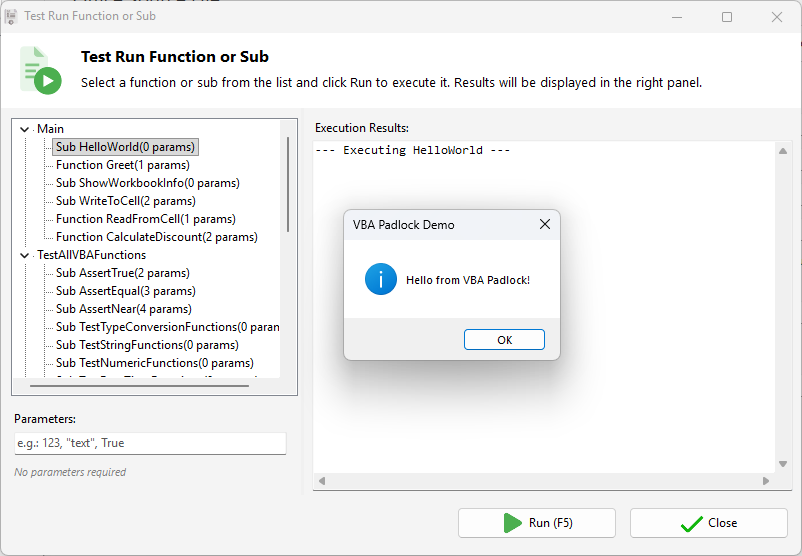
The Messages panel shows the error location and description; double-click to jump to the line. Fix the error and press F5 to recompile, or run a Syntax Check for a quick move/keep report. You can also use Run DLL Function to verify individual functions.
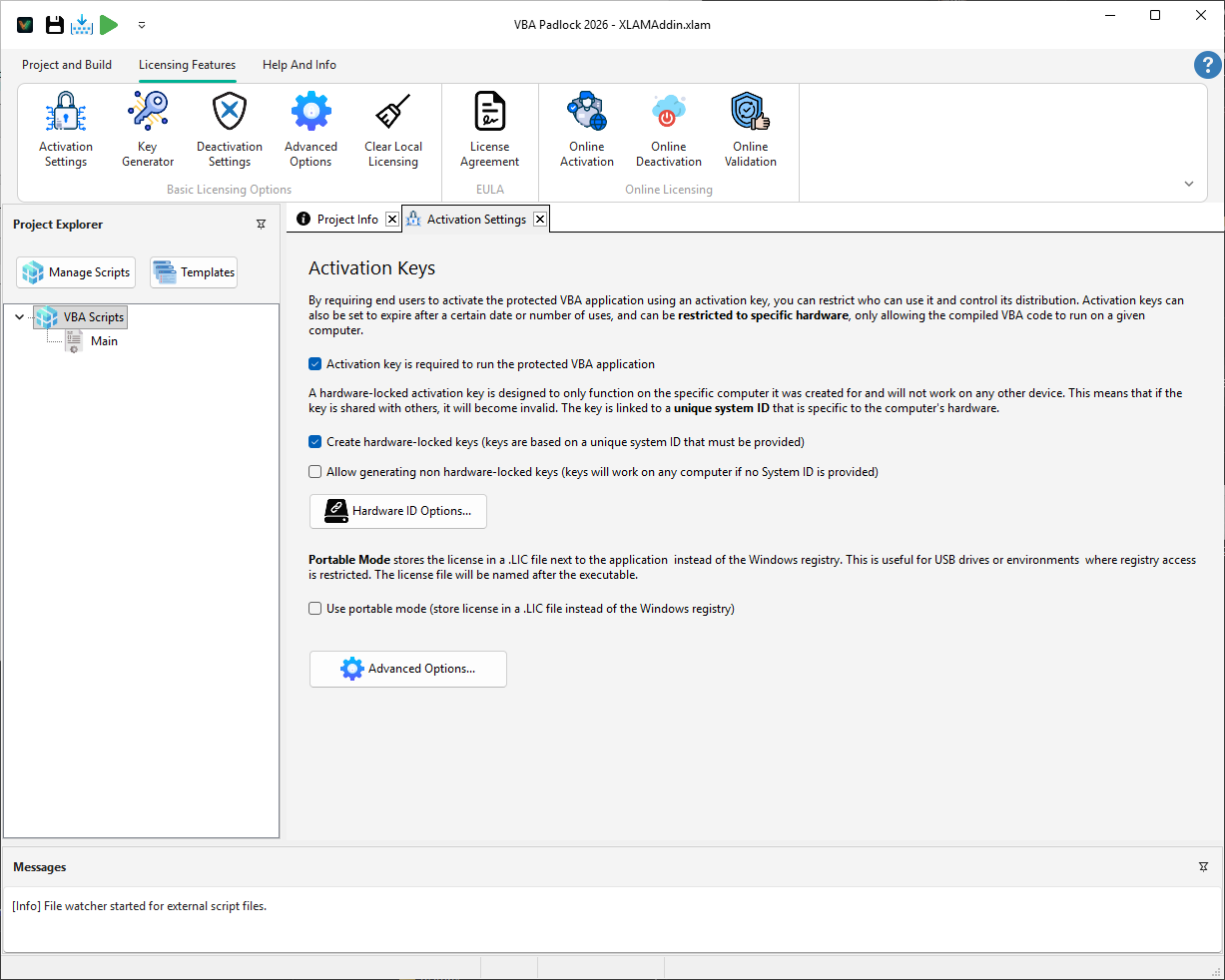
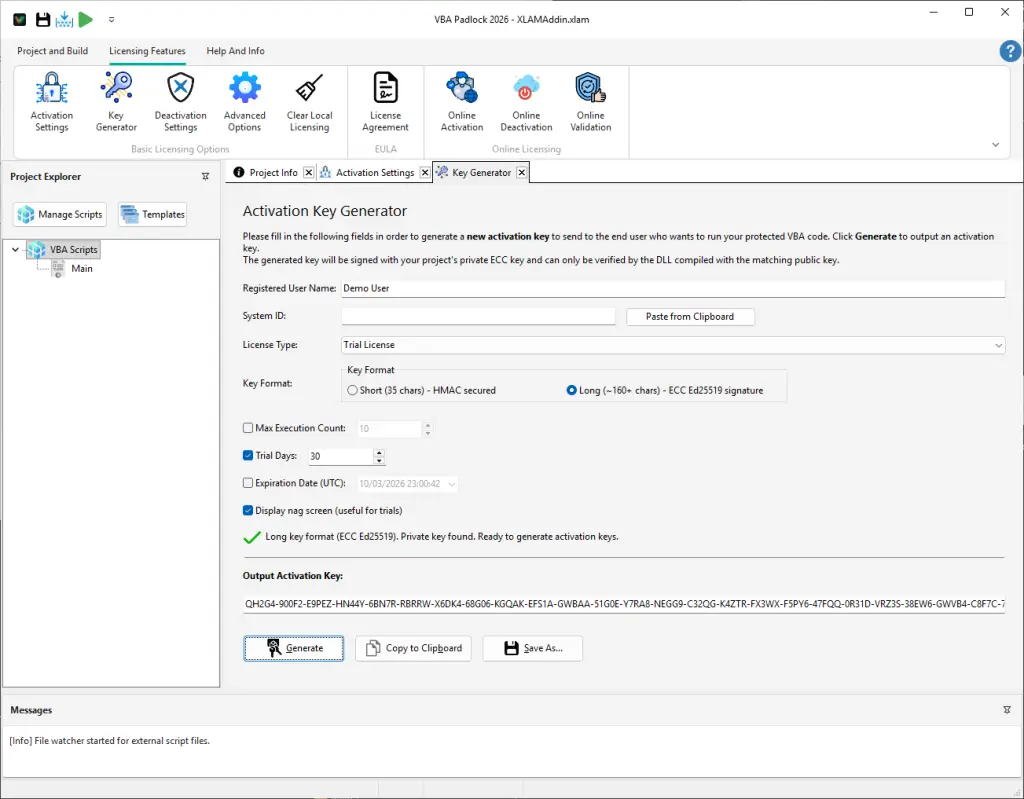
VBA Padlock can require a license key before your compiled functions execute. You configure activation in the Licensing Features tab and generate keys with the Key Generator. See Licensing System for a full overview.
Yes. You can create trial keys with time limits (e.g., 30 days), run limits, or expiration dates. A nag screen reminds users to purchase during the trial. See Trial Mode.
Hardware locking ties a license key to a specific computer using a Hardware ID derived from hardware components (CPU, hard drive, etc.). This prevents key sharing. See Hardware Locking.
Yes, through deactivation. The user deactivates on the old machine (online or manually), and you issue a new key for the new machine. With online activation, this process is fully automated.
Run-limited trials require the Long format.
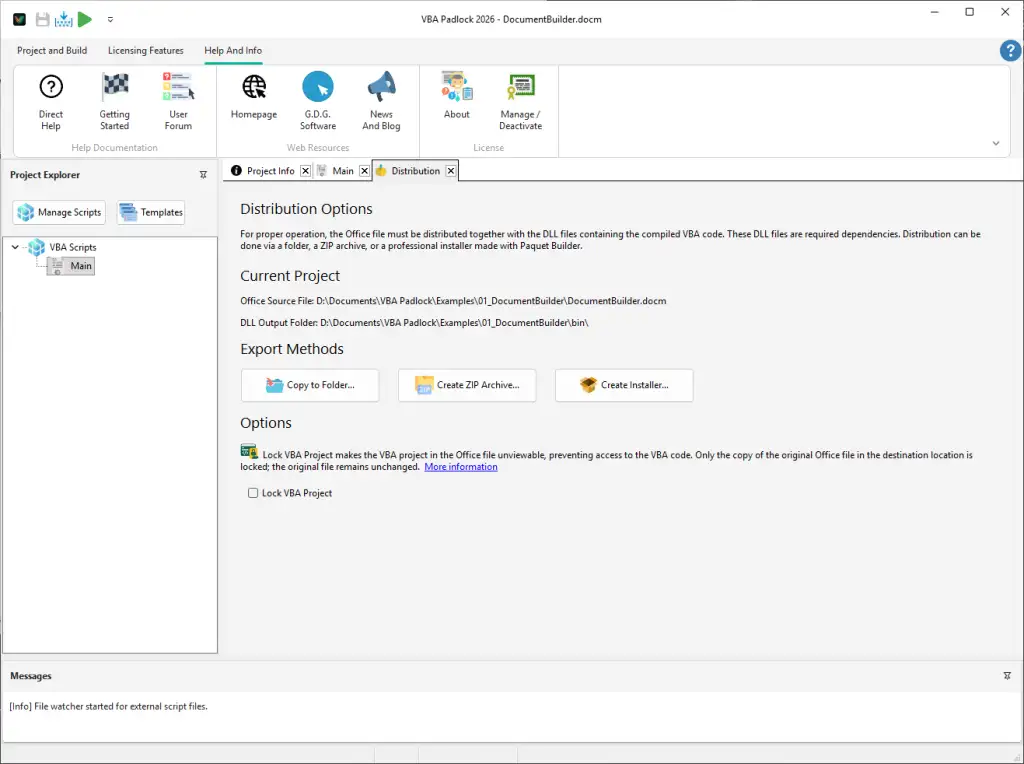
Your distribution must include the protected copy of your Office file (not the source!) and the bin/ directory with three DLLs:
MyWorkbook_protected.xlsmbin\├── MyWorkbookrun32.dll├── MyWorkbookrun64.dll└── MyWorkbook.dllUse the Distribution tab to package files automatically; it warns you if you’re about to ship an unprotected source file.
The runtime DLLs are signed by G.D.G. Software using Authenticode certificates. Windows SmartScreen and antivirus software recognize them as legitimate. The satellite DLL is not Authenticode-signed by G.D.G. Software but is integrity-verified by an internal cryptographic signature. You can optionally sign it with your own Authenticode certificate.
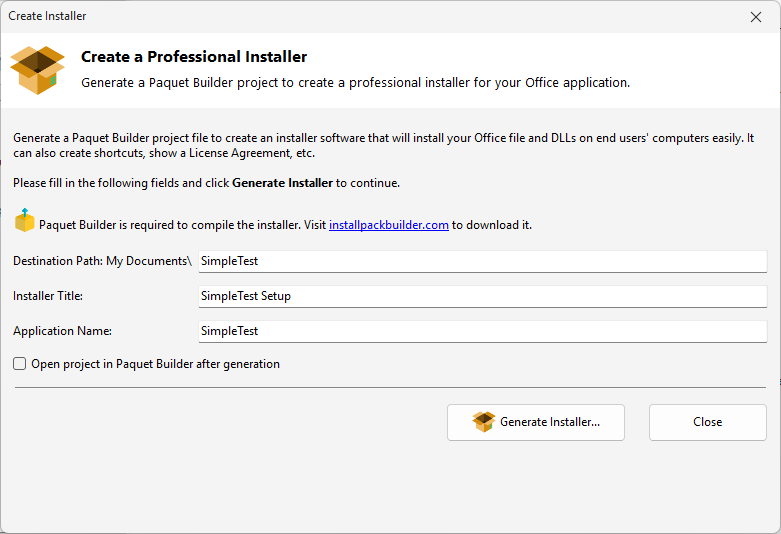
Yes. The Create Installer dialog generates installer scripts using Paquet Builder.
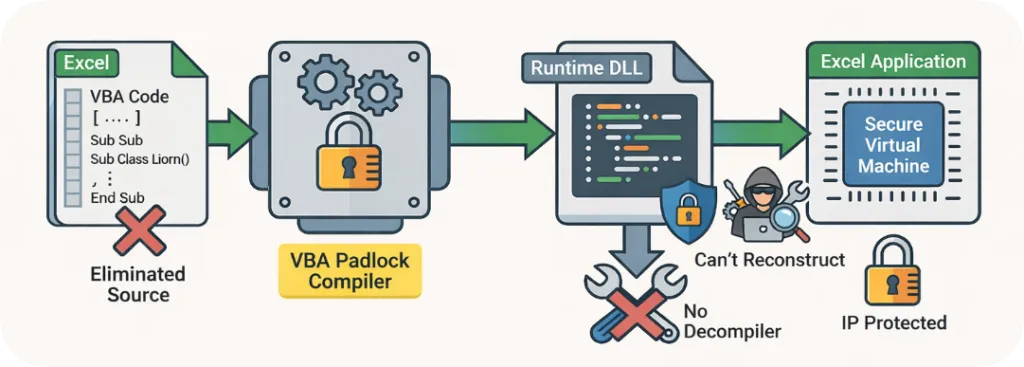
VBA Padlock applies multiple defense layers: compilation into bytecode, digital signatures, anti-debugging, and integrity checks. No protection is unbreakable, but VBA Padlock raises the difficulty of reverse engineering significantly. See Security.
This is a false positive caused by protection patterns. VBA Padlock runtime DLLs are digitally signed by G.D.G. Software. Submit the DLL to your antivirus vendor for whitelisting, or add the bin/ directory to your exclusion list.
The Security Code is a unique identifier that links your Office file to the compiled DLL. It prevents someone from substituting a DLL from a different project. You configure it in Project Info.
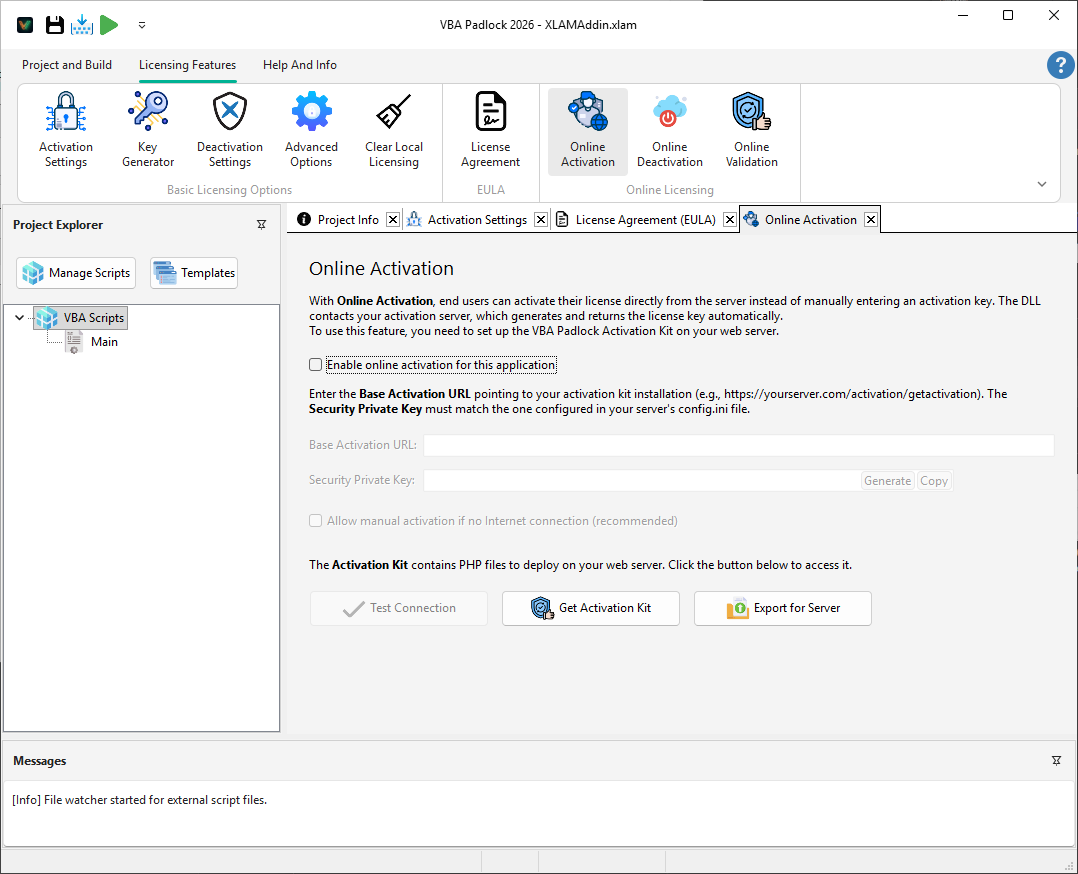
Only if you want automated online activation. You can also generate and distribute keys manually using the Key Generator. If you do want a server, VBA Padlock provides a PHP activation kit. See Deploy the Activation Server.
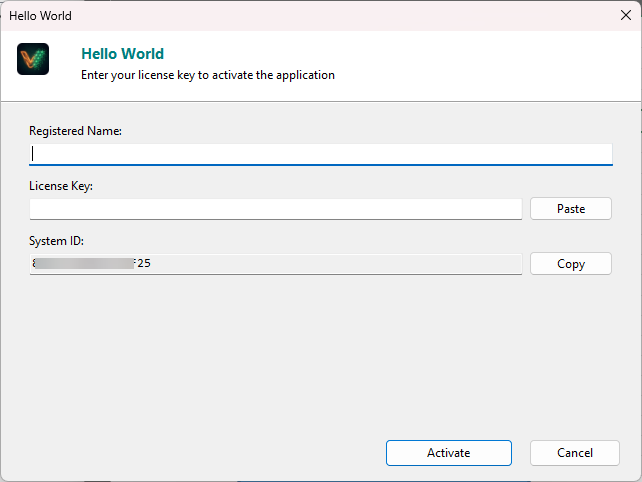
mod_rewriteYes. If online activation fails or is not available, users can use manual activation. They provide their Hardware ID, and you generate a key for them. See Key Generation guide.
Troubleshooting
Fix the most common issues quickly. Open Troubleshooting →
UI Reference
Browse every dialog and option in detail. Open UI Reference →
Support
Need direct help from our team? Contact support →