Produce & Test Run
The full production pipeline. View Reference →
Two commands keep your inner loop fast. Compile Project (F5) transforms your scripts into encrypted bytecode and rebuilds the satellite DLLs, with hot reload, so a running Excel picks up the new build without restarting. Syntax Check answers the question “what would move to the DLL?” without building anything at all. Both live in the Protect tab (and in the Edit Script tab’s Compile & Test group).
A successful compilation is the prerequisite for producing and publishing.
.bas and .cls modules and checks for syntax compatibility.Syntax Check runs the same per-procedure analysis as the Protection Review, but reports to the Messages panel; no DLLs are written. The summary line reads:
Compile check: 12 -> DLL, 3 stay in VBA.
Individual lines explain each kept procedure:
<Proc> stays in VBA - uses the VBA Padlock bridge API (by design), or a driver routine kept because it orchestrates bridge-bound procedures.<Proc> stays in VBA - shared module-level state 'Counter', or Module does not compile - <reason>.Use it as a fast pre-flight before Produce, especially after editing code or changing References.
The Messages panel at the bottom of the interface acts as your real-time diagnostic center:
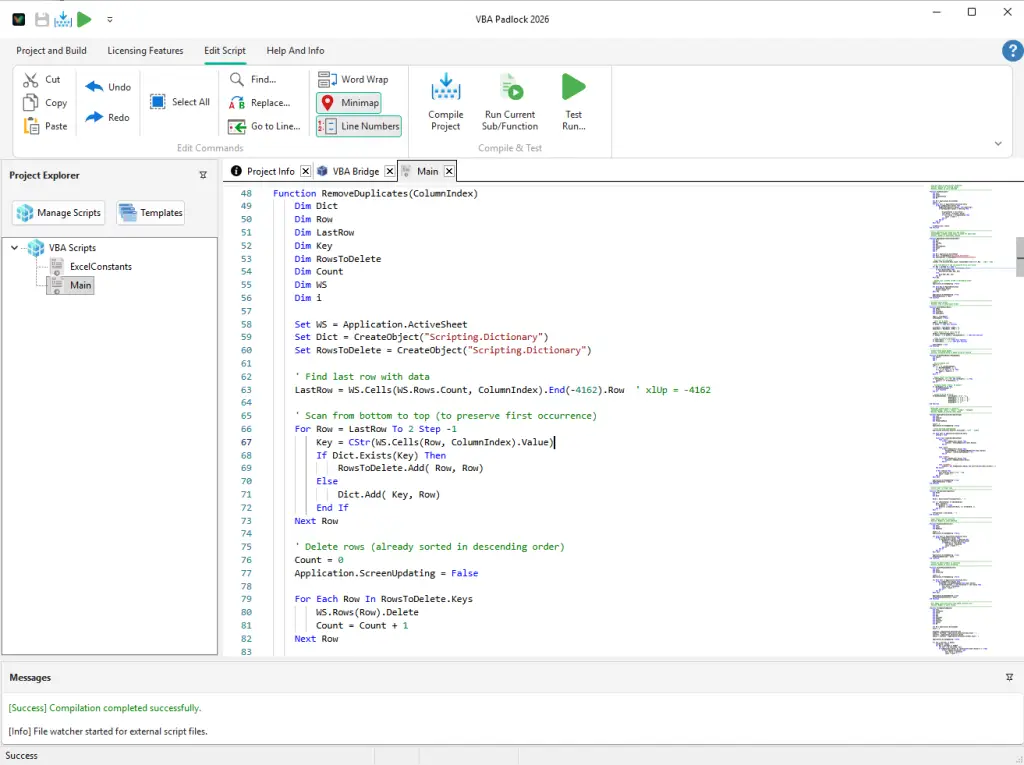
| Key | Action |
|---|---|
| F5 | Compile Project: Rebuild all modules from source. |
| Ctrl+F5 | Test Run: Produce the protected file and open it in Office. |
| Shift+F8 | Run Current Sub/Function: Execute the routine under the cursor. |
Produce & Test Run
The full production pipeline. View Reference →
Protection Review
The full verdict tree behind Syntax Check. View Reference →
Run DLL Function
Execute your compiled bytecode. View Reference →
Publish Final DLL
Assemble the final package. View Reference →