Project
Open files, configure the project, and manage the analysis.
Welcome to the comprehensive UI Reference for VBA Padlock Studio. This section provides a detailed breakdown of every button, checkbox, and configuration field within the application.
The Studio ribbon has four tabs: Protect (the whole protection workflow), Licensing Features (DRM and activation), Help And Info, and a contextual Edit Script tab that appears while a code editor is active.
The Protect tab carries you from opening an Office file to shipping its protected copy: project setup, automatic analysis, review, build, and distribution, plus an Advanced group for manual tools.

Project
Open files, configure the project, and manage the analysis.
Build Project
Compile, produce the protected file, and package it.
Editing
Work on the stored scripts between analyses.
Advanced Tools
Manual and expert-level utilities.
The Licensing Features tab allows you to transform your protected code into a commercial product with powerful DRM and activation options.
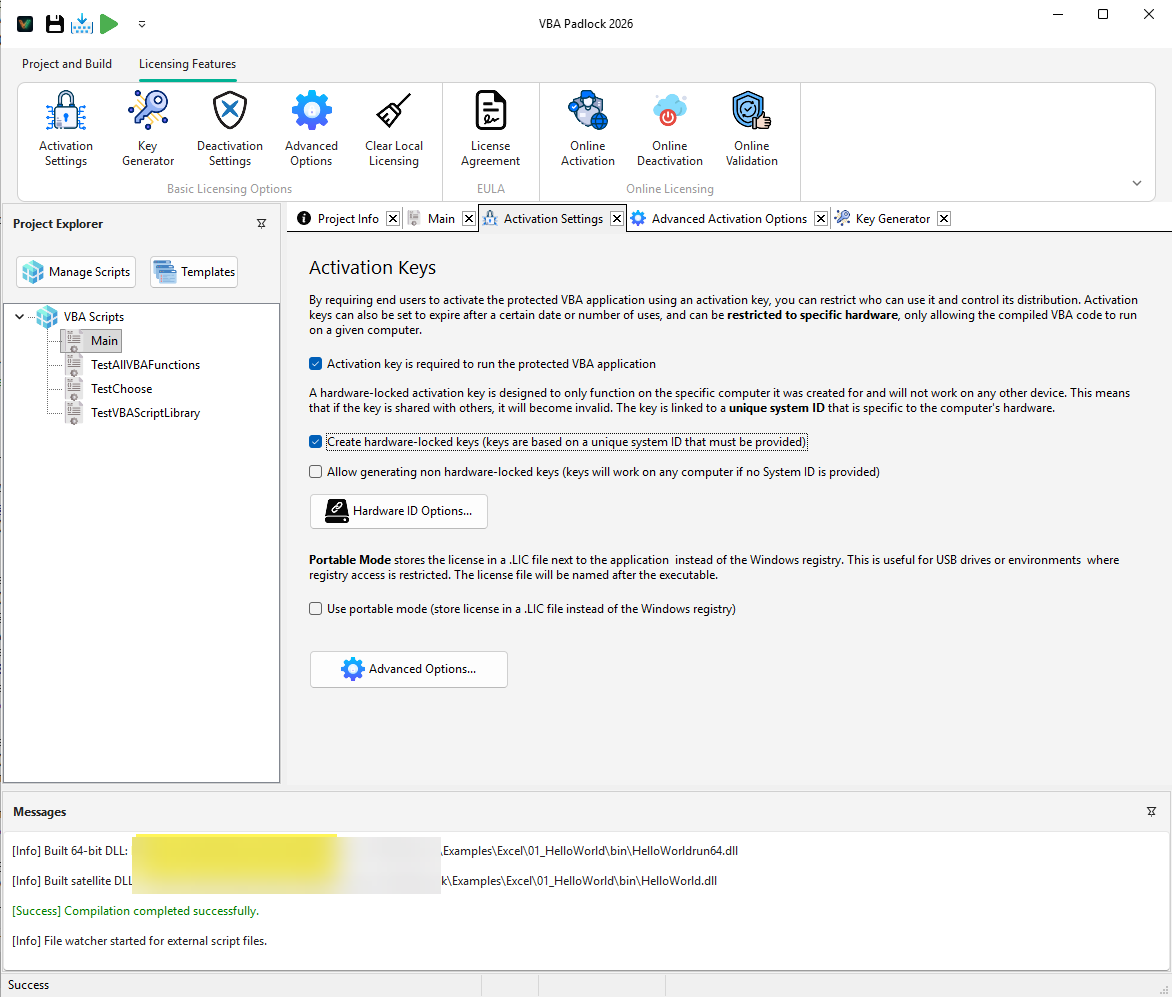
Basic Licensing
Set up the core rules for your application access.
Key Management
Generate and control license keys for your users.
Online Ecosystem
Automate your licensing with server-side validation.
Automatic Protection
The workflow that ties all these dialogs together. Read the feature guide →
API Reference
Documentation for the VBAPL_* functions.
View API →