Online Activation System
Server-based activation with included PHP activation kit.
Overview
Deploy a server-based activation system for automated license management. The included PHP activation kit handles key generation, validation, and deactivation through your own web server.
Key Benefits
- Complete PHP activation kit included
- Automated key generation and validation endpoints
- Online deactivation for license transfers
- HTTPS-secured API communication
- Server-side request validation before a key is issued
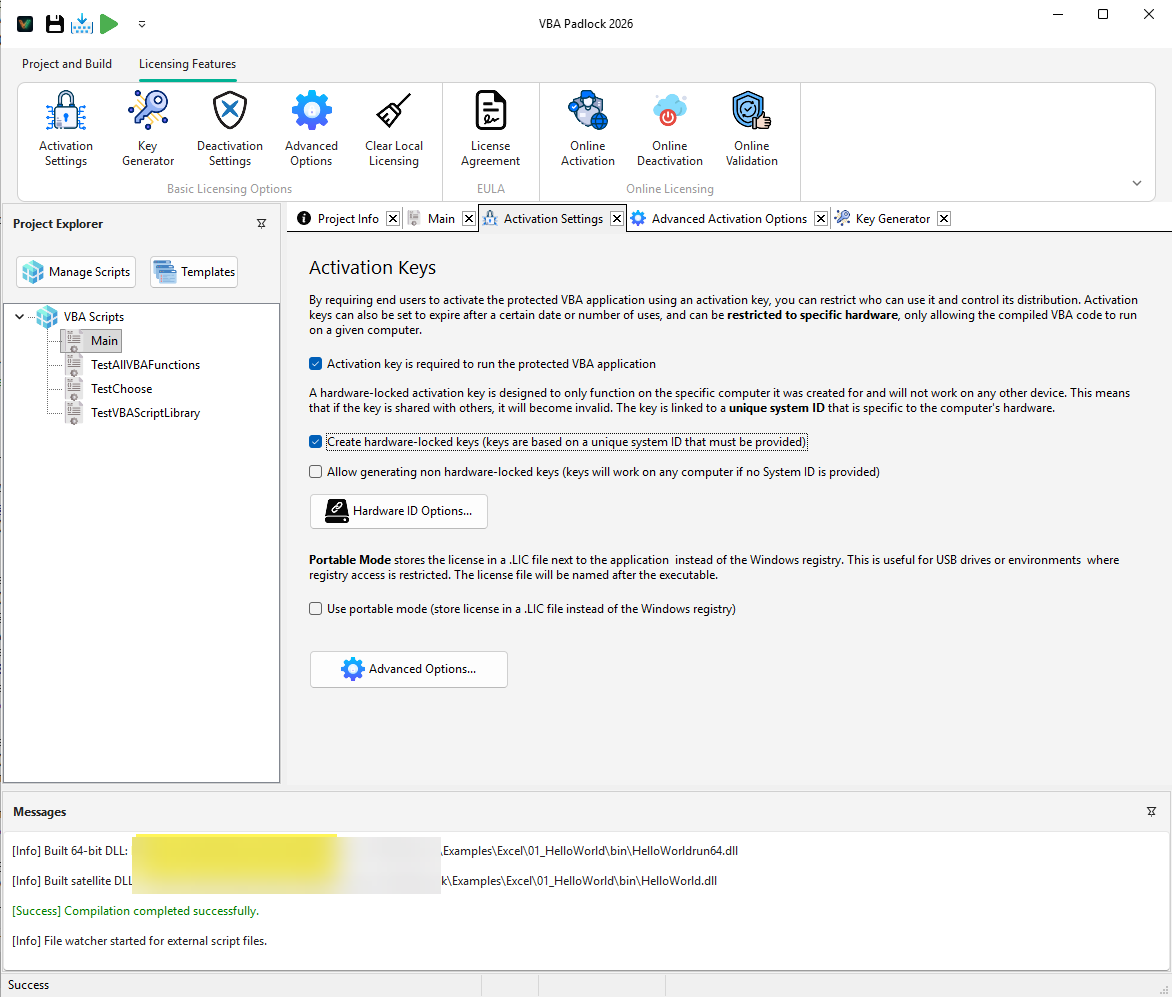
Automated Activation with the Included PHP Kit
VBA Padlock includes a complete PHP Activation Kit for registered users, provided free of charge and documented step-by-step. You can automate activation, validation, and deactivation without building your own licensing backend.
Customer receives an activation code after registration/purchase
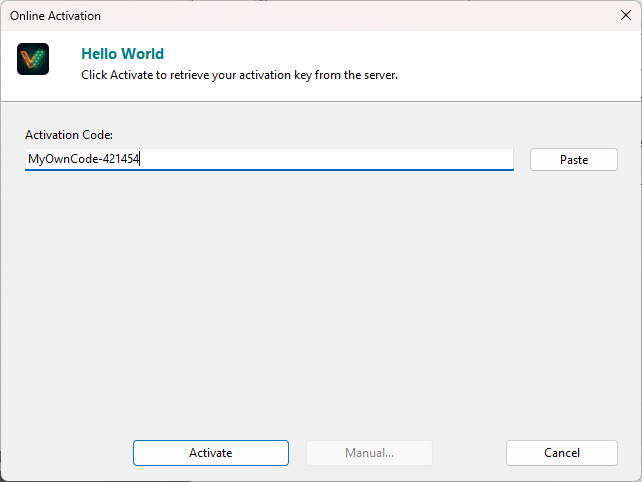
Office app sends activation code + Hardware ID to your HTTPS endpoint
PHP Activation Kit validates the request and enforces activation limits
Server returns a signed key/token and the app unlocks instantly
What You Get in the Free Activation Kit
Included for registered users
The VBA Padlock Activation Kit (PHP + MySQL) is provided free of charge to registered users, with complete deployment documentation.
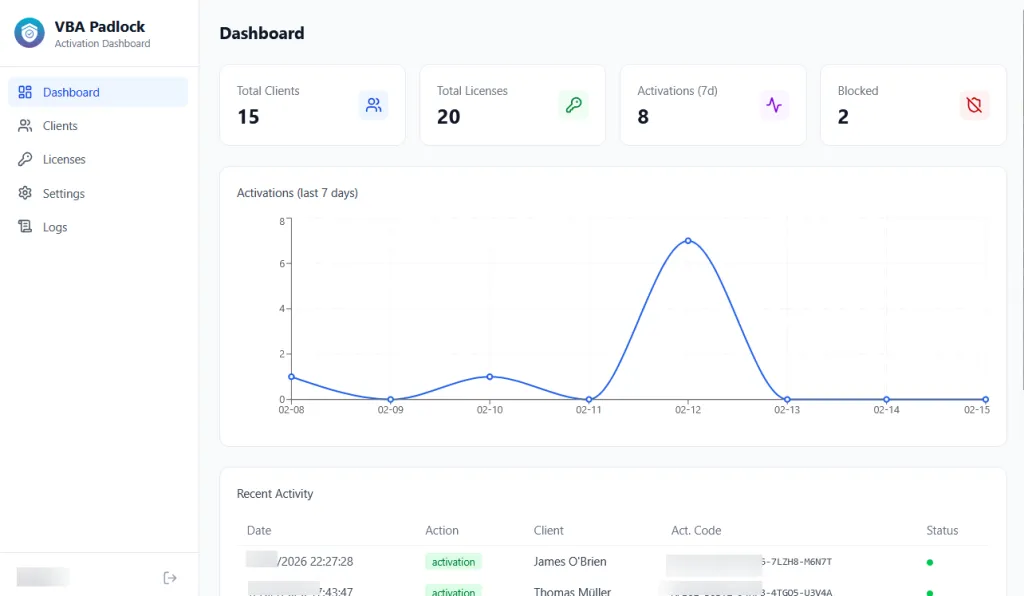
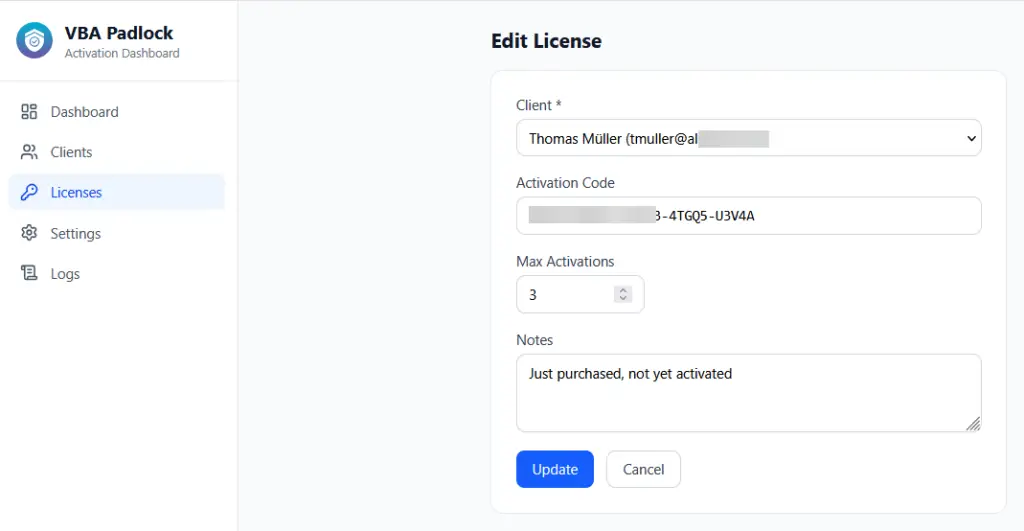
Ready-to-use dashboard
Track clients, activations, blocks and trends from the bundled admin interface - no need to build back-office tooling yourself.
Public API endpoints
Use `/getactivation`, `/dovalidation`, and `/dodeactivation` for activation lifecycle automation and secure license checks.
PayPal storefront option
Optionally enable direct sales with automatic license provisioning after payment for a fully self-service flow.
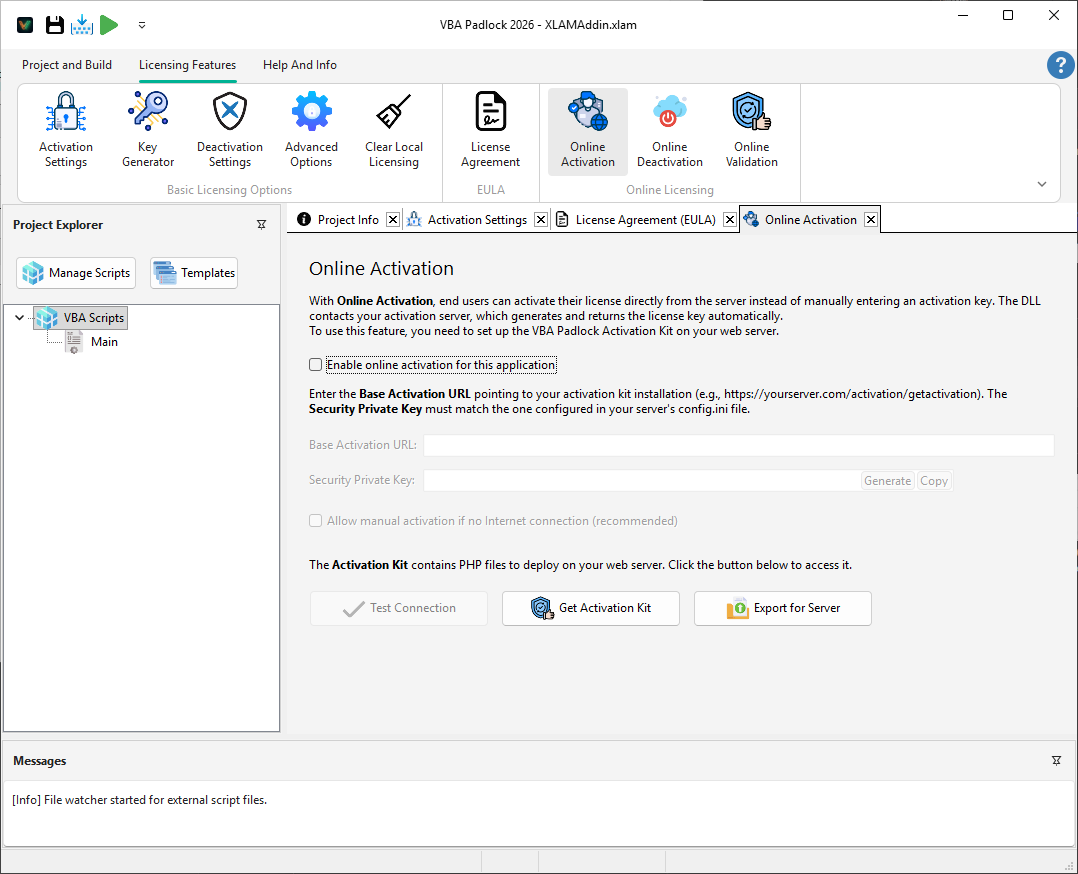
Configuration in VBA Padlock Studio
From the Online Licensing settings, connect your project to the hosted PHP kit endpoint and validate connectivity before publishing.
- 1 Upload the Activation Kit to your server and run `composer install`
- 2 Set matching project secrets in `inc/config.ini` (master key + private key)
- 3 Run setup wizard and create dashboard admin account
- 4 Configure Online Activation URL in VBA Padlock Studio
- 5 Enable optional online deactivation/validation and test end-to-end
Why Teams Choose Online Activation
- No manual key handling: customers activate 24/7 without waiting for support.
- Centralized control: revoke, reset, and audit licenses from one dashboard.
- Production-ready stack: PHP + MySQL + documented setup shipped with the product.
- Free for registered users: no separate paid module required to start automation.
Ready to Monetize Your VBA Projects?
Download VBA Padlock and start selling protected Office solutions. One-time purchase, no royalties, no subscription.