Protect
The full lifecycle: open and analyze, review, produce, distribute, plus the Advanced group of manual tools. Tab reference →
The Main Window is the central cockpit of VBA Padlock Studio. From here, you manage your project’s structure, review what gets protected, edit stored scripts, and access all licensing and build tools in a single, unified environment.
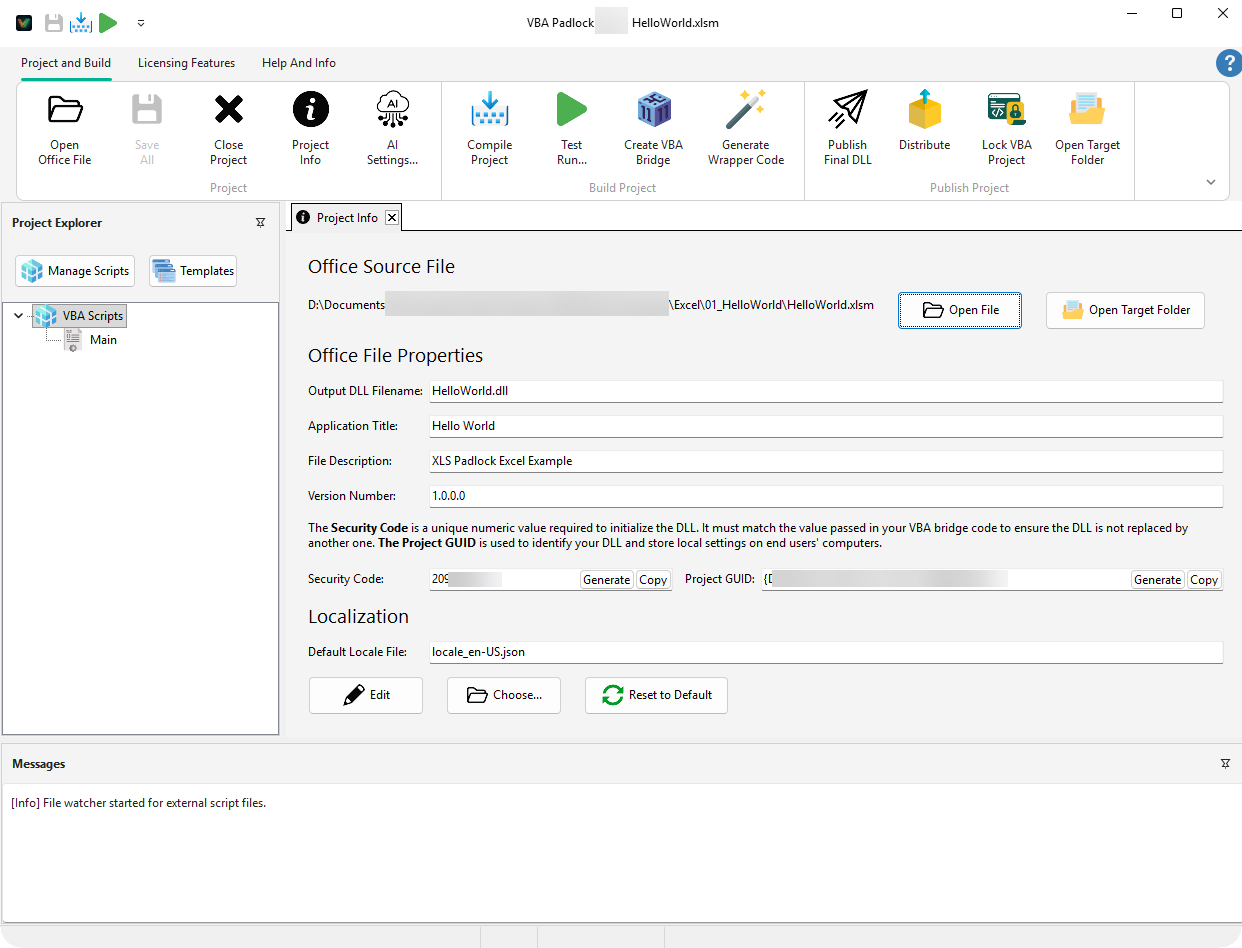
The interface is divided into functional zones:
.cls files.| Shortcut | Action |
|---|---|
| Ctrl + O | Open Office File: Load a macro-enabled document; the first open analyzes it automatically. |
| F5 | Compile Project: Rebuild the satellite DLLs (hot reload for testing). |
| Ctrl + F5 | Test Run: Produce the protected file and open it in Office. |
| Shift + F8 | Run Current Sub/Function: Execute the routine under the cursor (Edit Script tab). |
| Ctrl + S | Save All: Save all open scripts and settings. |
Protect
The full lifecycle: open and analyze, review, produce, distribute, plus the Advanced group of manual tools. Tab reference →
Licensing Features
Engineer your business rules: activation logic, hardware locking, and Online Automation. Tab reference →
Edit Script
Contextual editing tools (clipboard, undo/redo, Find/Replace, word wrap, minimap), plus a Compile & Test group, active whenever a code editor has focus.
Help And Info
Direct Help, Getting Started, user forum, updates, and license management for the Studio itself.
Project Info
Configure application metadata. View Reference →
Code Editor
Master the scripting workspace. View Reference →
Protection Review
Read the analysis verdicts. View Reference →