Protect and License Your VBA Code with Confidence
Compile VBA macros from Excel, Word, Access, and PowerPoint into secure, obfuscated DLLs with integrated licensing and activation systems.
Trusted by VBA developers shipping commercial Office solutions.
Works with All Major Office Applications
Compile and protect VBA code across the entire Microsoft Office suite.
Everything You Need to Protect VBA Code
A complete toolkit for compiling, protecting, and licensing your VBA macros across all Office applications.
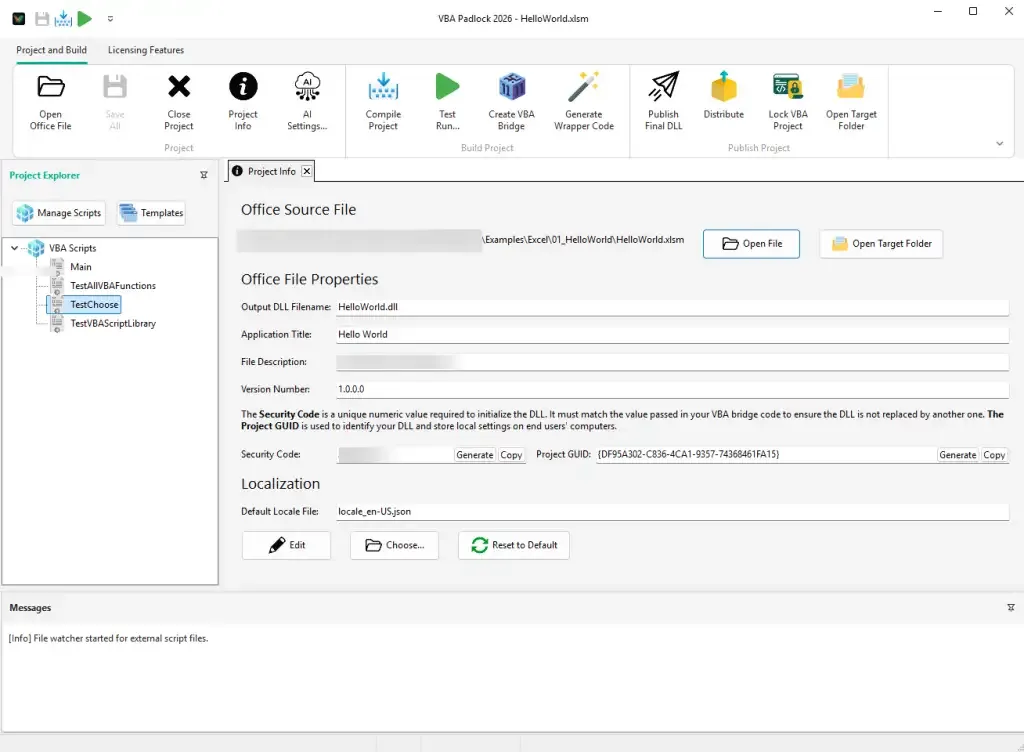
VBA Padlock Studio
Modern development environment with ribbon UI, script editor, and project management.
Learn moreLicensing System
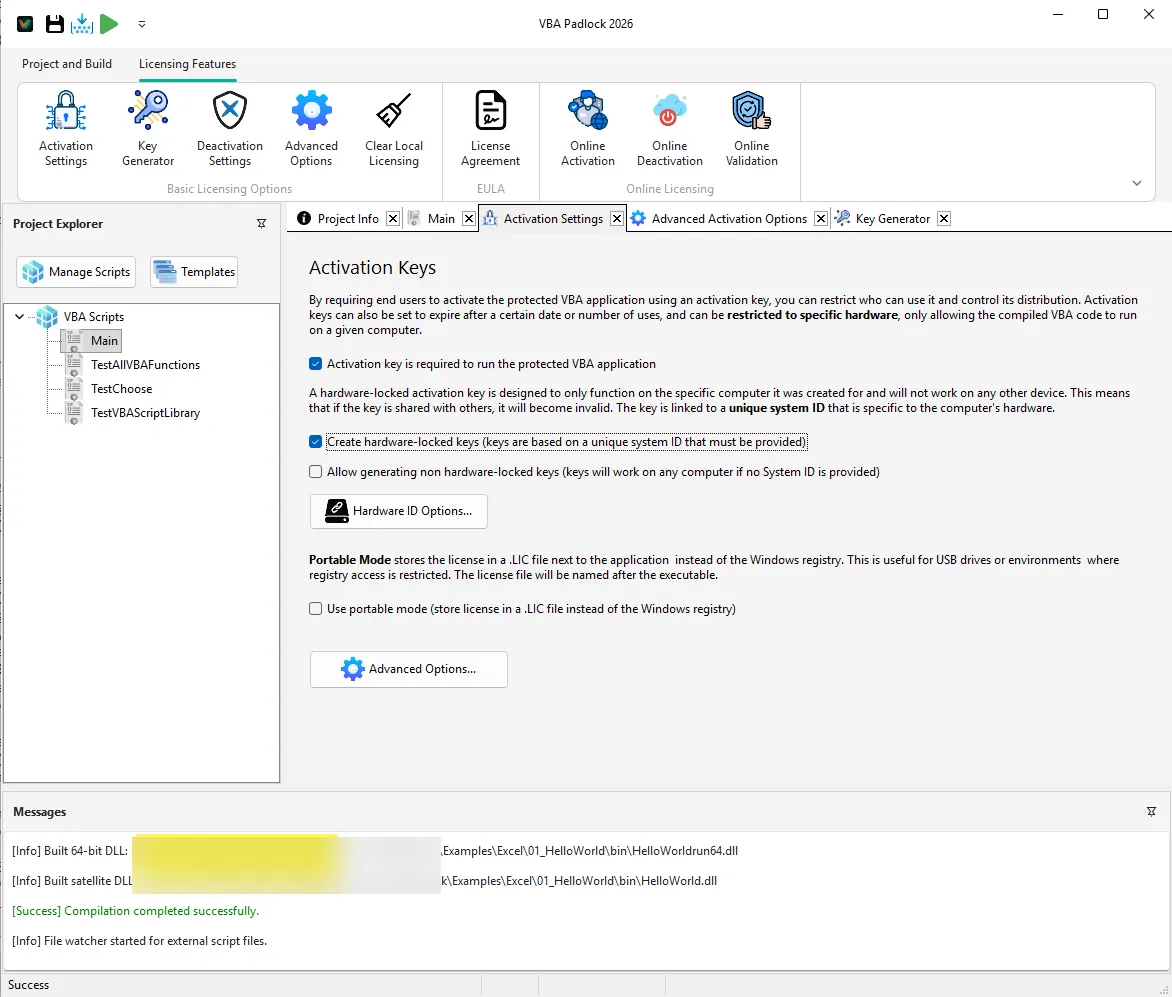
License keys, trial periods, and hardware-locked activation built into your DLL.
Learn moreThree Simple Steps
From VBA code to protected, licensed applications in minutes.
Write Your VBA Code
Create your VBA macros in VBA Padlock Studio or import existing code from your Office files.
Compile & Configure
Compile your code into obfuscated DLLs and configure licensing, activation, and protection options.
Distribute Securely
Share your protected Office files with clients. Your code is safe in compiled DLLs with license enforcement.
See It in Action
Watch how VBA Padlock compiles and protects your VBA code — step by step.
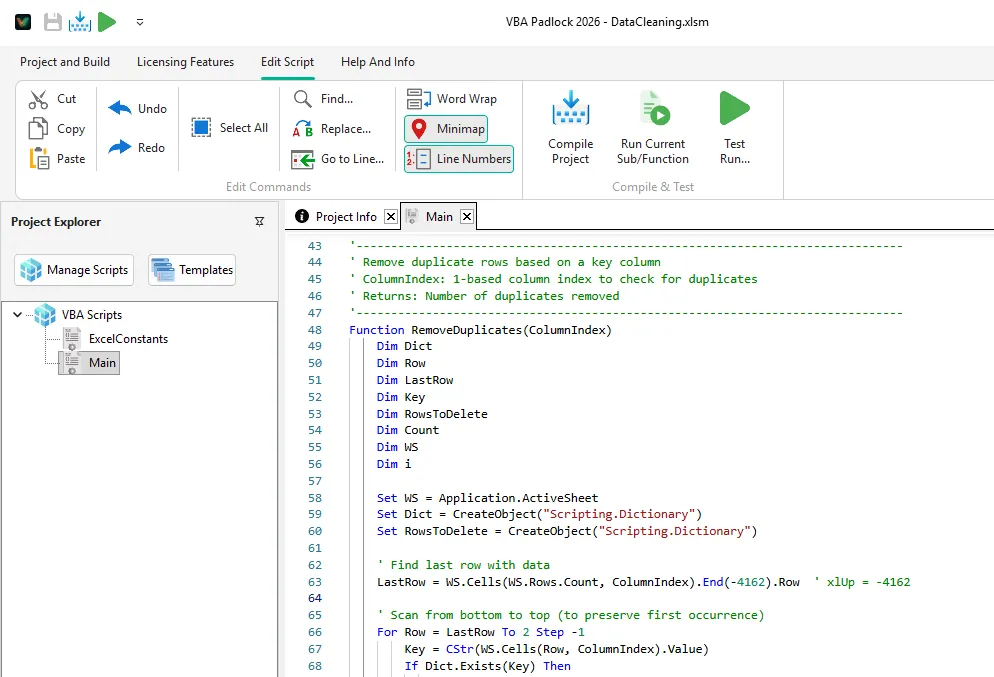
Compile VBA into Secure DLLs
Transform your VBA source code into compiled bytecode inside native DLLs that cannot be decompiled. Your intellectual property stays protected while your macros run seamlessly within Office applications.
- Automatic 32-bit and 64-bit DLL generation
- Source code compiled into bytecode — not just obfuscated
- Auto-generated VBA bridge for seamless Office integration
- Simple VBAPL_Execute() function calls from your VBA code
- Supports Sub, Function, Property, and Type definitions
Built-in Licensing & Activation
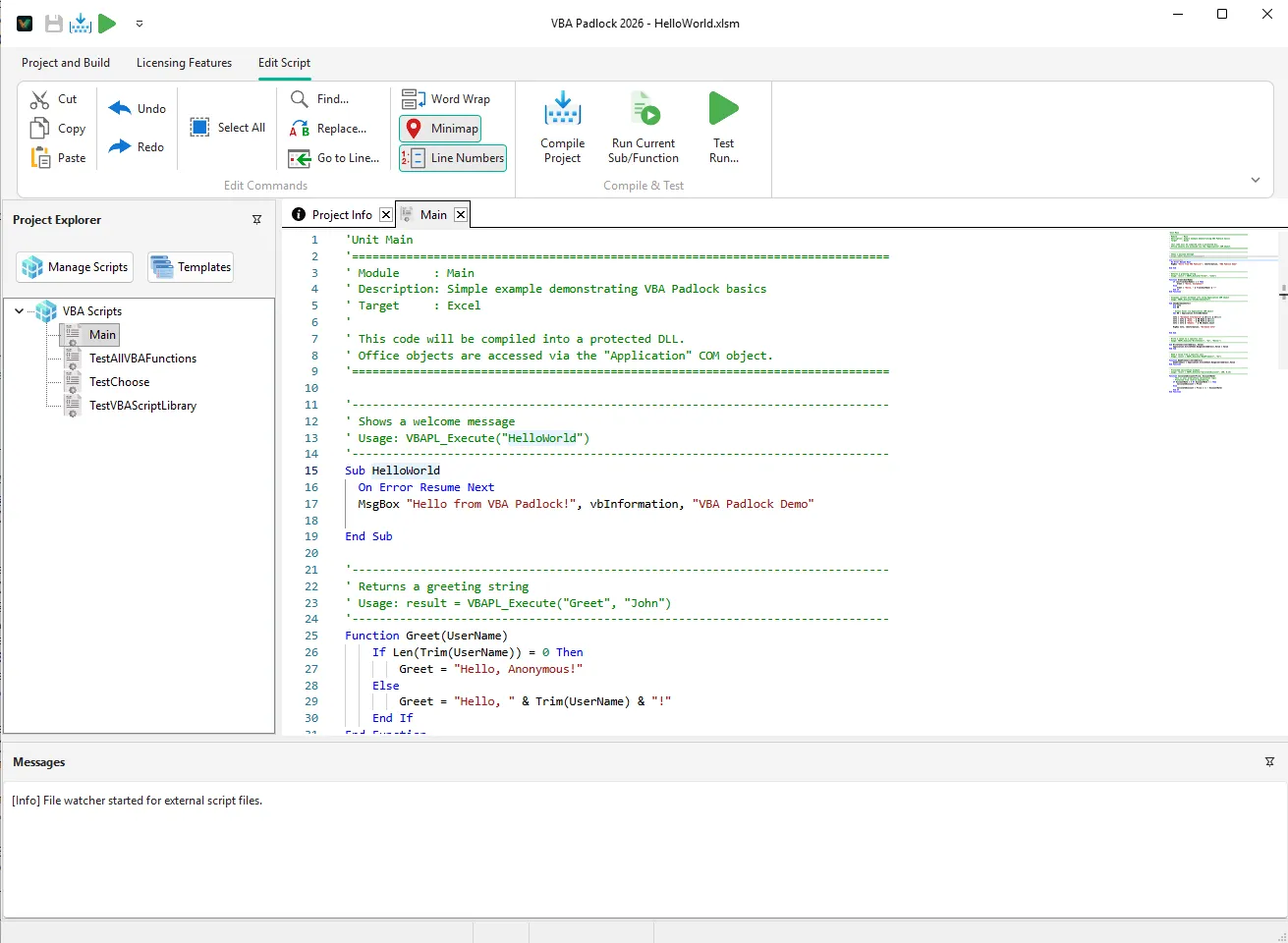
Monetize your VBA projects with a complete licensing system. Generate hardware-locked activation keys, manage trial periods, and control distribution — all with ECC Ed25519 cryptographic security.
- ECC Ed25519 digital signatures for tamper-proof keys
- Full, Trial, Subscription, and Time-limited license types
- Hardware-locked keys tied to specific machines
- Built-in key generator and activation dialogs
- Online activation with included PHP server kit
Enterprise-Grade Security
Multiple layers of protection keep your VBA code and licensing system secure.
Why Not Just Use a Password?
VBA passwords and obfuscation don't protect your code. See how DLL compilation compares.
Common Questions
Quick answers to get you started with VBA Padlock.
What is VBA Padlock?
VBA Padlock is a compiler and protection system for Microsoft Office VBA code. It compiles your VBA macros from Excel, Word, Access, and PowerPoint into secure, obfuscated DLLs with integrated licensing and activation systems — preventing unauthorized access to your source code and letting you sell your VBA applications commercially.
Which Office applications does VBA Padlock support?
VBA Padlock supports all major Microsoft Office applications: Excel (workbooks and .xlam add-ins), Word (documents and templates), Access (databases), and PowerPoint (presentations and add-ins). Your compiled VBA code retains full access to each application's COM object model, so all existing functionality is preserved.
How does VBA Padlock protect my code?
VBA Padlock compiles your VBA source code into native DLLs (both 32-bit and 64-bit). The original VBA code is transformed into compiled bytecode that cannot be decompiled back to the original source. The compiled DLLs include multiple layers of obfuscation and built-in integrity checks that detect any tampering attempts. Your original VBA source code is physically removed from the Office file — only a lightweight VBA bridge module remains.
Do my end users need VBA Padlock installed?
No. End users only need Microsoft Office installed on their computer. The compiled DLLs and a small VBA bridge module are all that's needed to run your protected code. VBA Padlock is only required on the developer's machine for compilation.
Subscribe to more news
Stay informed about our software updates.
Ready to Secure Your VBA Code?
Download VBA Padlock and start compiling, protecting, and licensing your VBA macros today.